
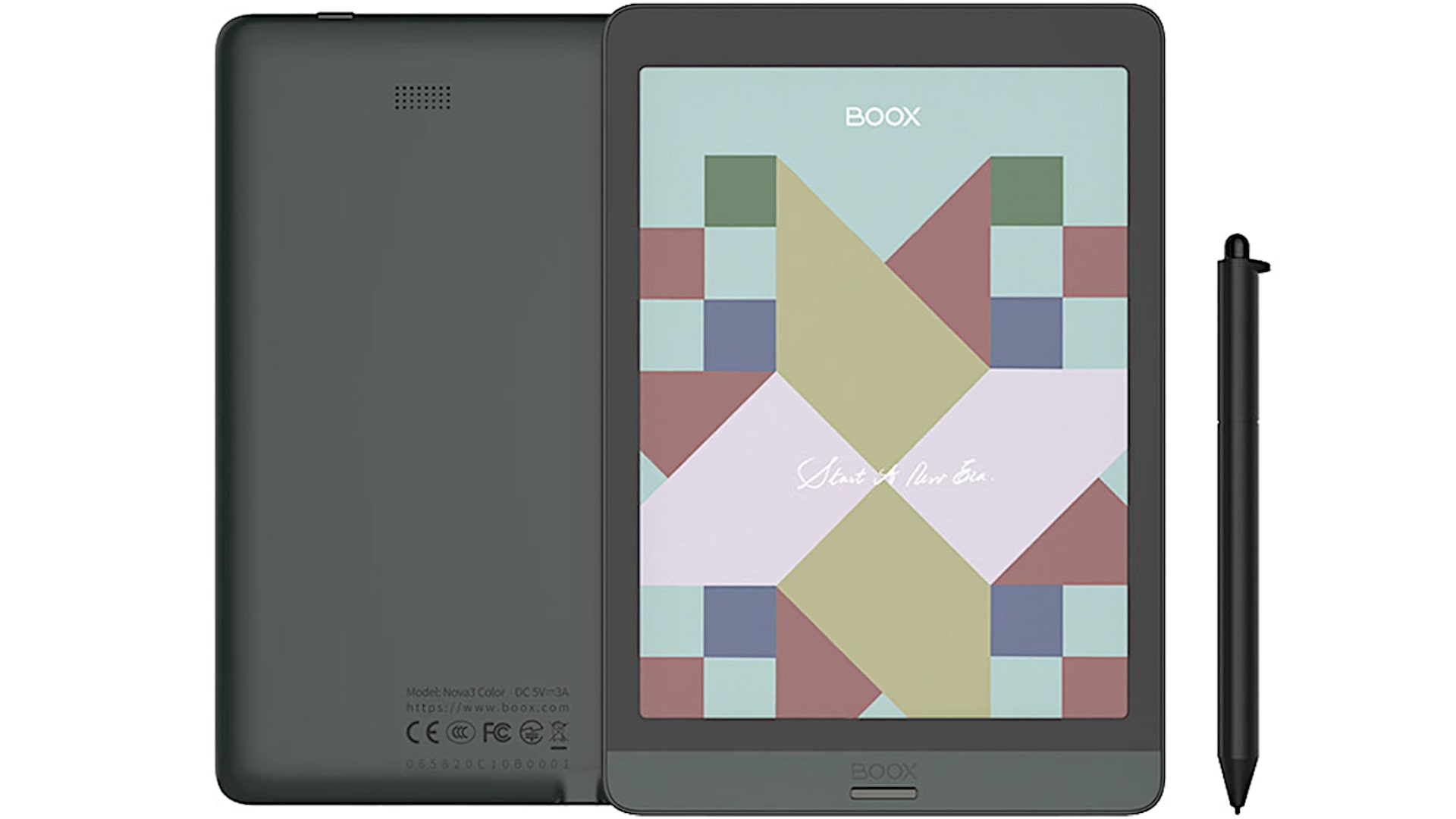
In this article, I give you my review of the ONYX Boox Nova 3 Color E-Ink reader/tablet, with specs included. This is something very different on the market. We’ve been waiting for years for this. We have seen color e-ink as a developing project without knowing when it will be productized and available on the market.
Obviously, you can get Kindles or Nooks and all those sorts of things but happily, the folks at Onyx who make the books, e-readers, and e-ink tablets, if you want to call them that, they’re doing all sorts of things like for example most all of their models come with Wacom EMR pens so you can actually take notes and draw all that sort of thing too.
This is Onyx’s third generation of e-ink technology. They did have another color product before this one’s obviously improved. So, this is called Kaleido Plus, and finally, we have color. But it’s not going to be like an iPad, not quite so much.
Not being like an iPad is both a good and a bad thing. The good part is that it’s an e-ink, so it’s very easy on the eyes, and you don’t get light fatigue. There is front lighting of the cool sort,t but it’s not the same effect as having LCD beating on your retinas all day.
| Name | Onyx Books Nova3 Color |
|---|---|
| Display | 7.8″ E-Ink Black and White: 1404 x 1872 (300 dpi) Color: 468 x 624 (100 dpi) Front light (Cold light) Wacom EMR digitizer (pen included), 4096 pressure levels |
| Size | Height: 197.3 mm Width: 137 mm Thickness: 7.7mm Weight: 265g |
| CPU | Snapdragon 636 Octa-core |
| RAM | 3 GB LPDDR4x |
| Storage | 32 GB eMMC |
| OS | Android 10 (customized for e-ink) |
| Battery | 3150 mAh Li-Ion (charger not included) |
| Connectivity | USB-C, OTG support, Wi-Fi 5 802.11b/g/n/ac 2.4G + 5G, Bluetooth 5.0 |
| Software | Documents Formats: PDF (reflowable), PPT, EPUB, TXT, DJVU, HTML, RTF, FB2, DOC, MOBI, CHM… Image Formats: PNG, JPG, TIFF, BMP Audio Formats: WAV, MP3 APP Store: BOOX Store Support DRM (3 party apps) |
| Other | Speaker, microphone |
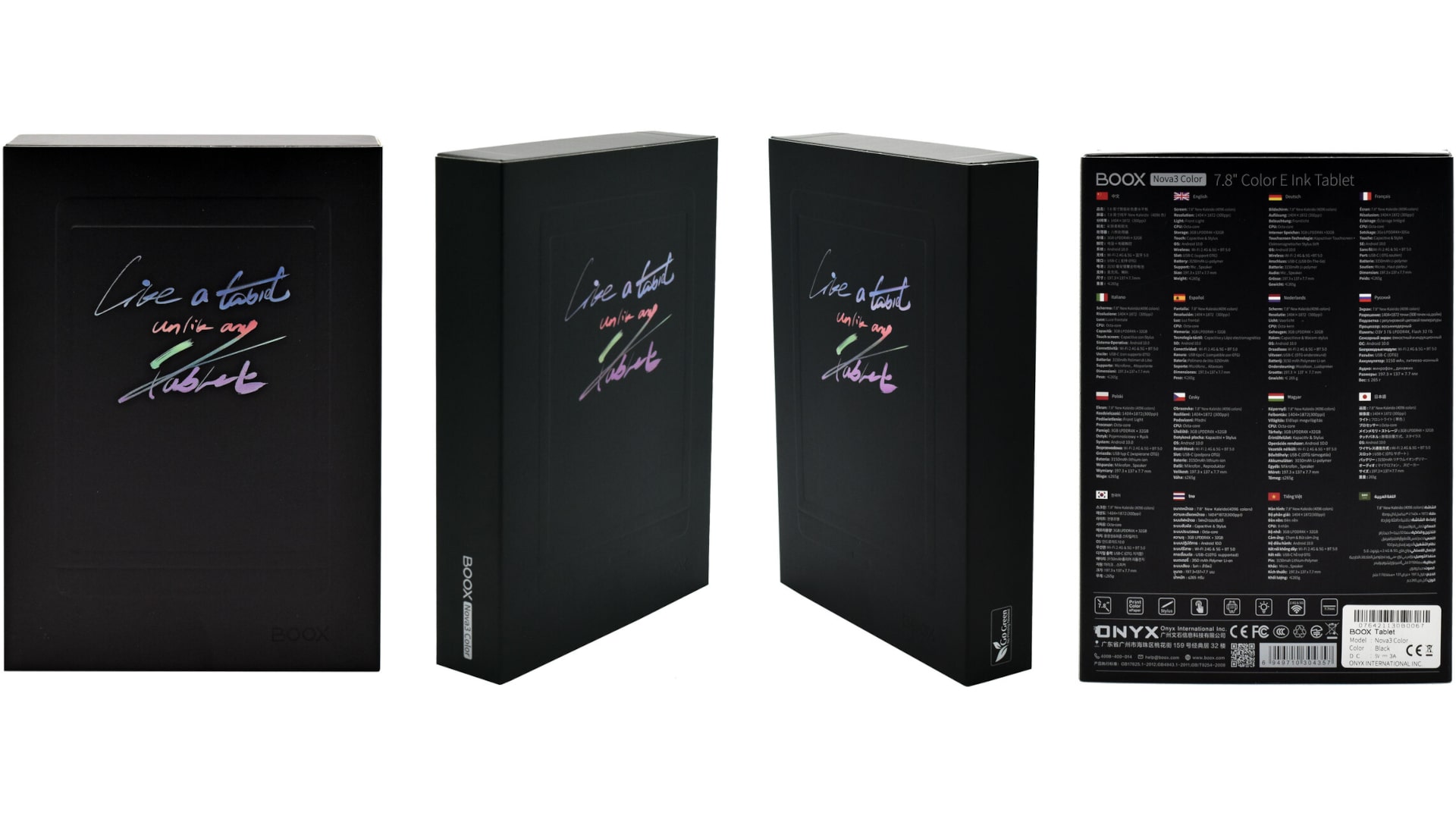
| In the box | BOOX Nova3 Color x1 Stylus pen x1 USB-C cable x1 Screen protector x1 Quick start guide x1 Warranty card x1 |
Also, a battery life that’s measured in weeks instead of hours is a big plus with the e-ink products. It’s also very light and thin and, typically speaking, sometimes more affordable. Although this one is not cheap, it’s $419.99 MSRP with the pen included. That’s because this is a new and expensive technology, even if we have been waiting a decade for it to happen.
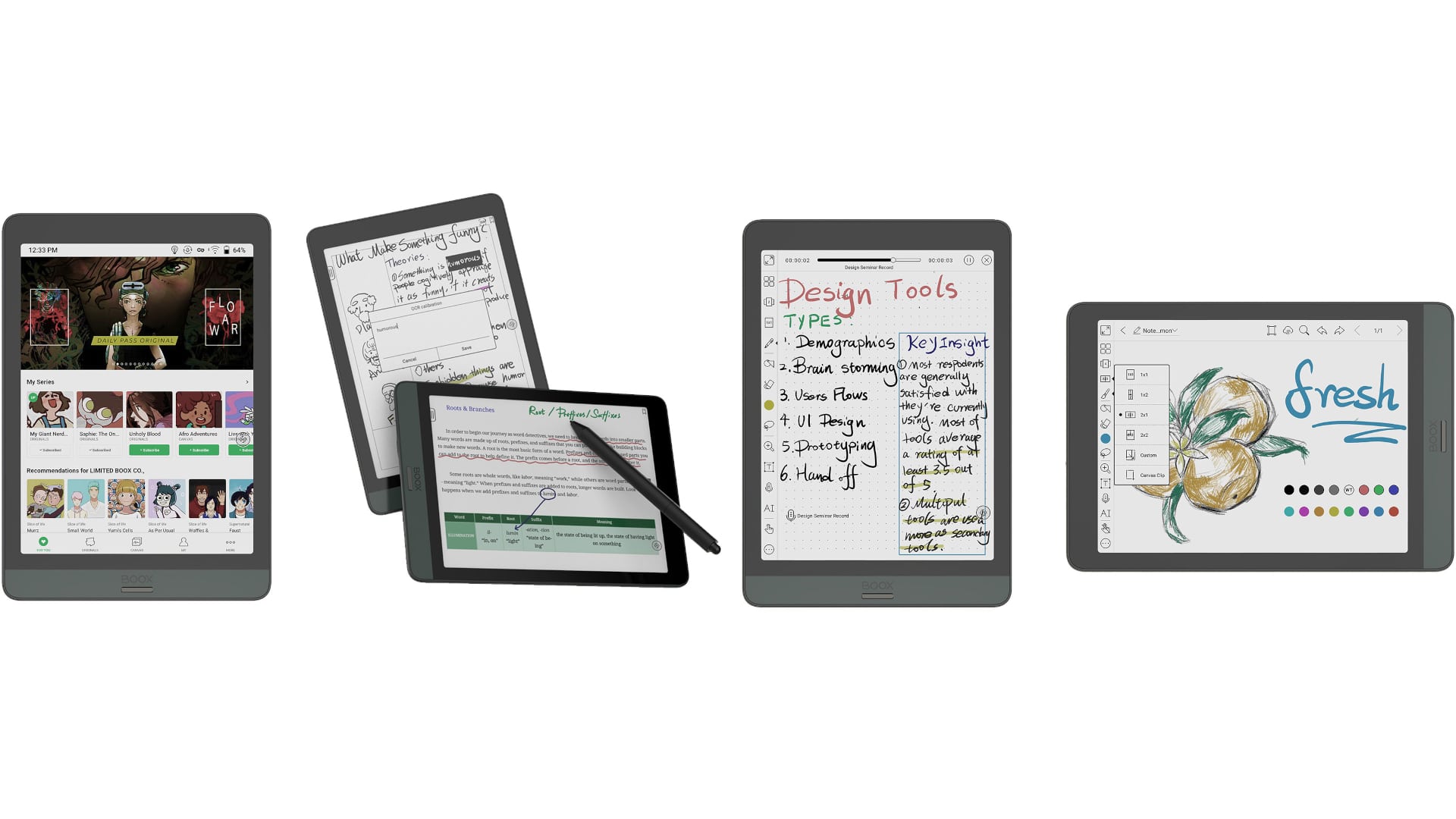
The bad part is, and you can see for yourself, the colors are muted. This one is supposed to be more vibrant, the third generation of color technology compared to what we saw before.
I’ve seen prototypes going back years, and they’ve always been kind of muted in color. In fact, the earliest ones, you could say it’s color, but just barely.
This one clearly is color, but it’s not vibrant and punchy like an iPad would be. While it’s neat to read comics on and actually finally see them in color, the color is more like your mass-market, inexpensive print-color comic book and not like a glossy high-end magazine.
If you expect something like DC Comics magazine or that sort of thing, then the iPad is more for that because it is much more vibrant in the color spectrum.
Also. It really depends on what content you are watching. For example, if you are reading a color comic where the colors are generally subdued already, it kind of works out regardless of which platform you’re reading on. But you can still see some differences.
In short, it depends on what you want. Do you want a more vibrant color, or do you feel okay with something that does sort of look like a trade comic book?k.
Clearly, comic books are a really obvious thing you might want to do with this 7.8-inch e-reader, but there are other things too.
One pretty cool thing is that Onyx makes the best e-ink note-taking and drawing apps. It’s because usually most of the apps are just bad, including all the ones you can download on Google Play.
It’s not because those art programs are deficient, but because e-ink doesn’t refresh. You have to force a refresh and all that sort of thing,g so your lines don’t look like anything’s happening until there’s a delay and it becomes impossible.
So what they’re doing with their dynamic refresher is making it very possible to actually take notes and not lose your mind, or to even do some sketching.
And the fact that they always supported color, which was kind of a mystery experience previously, because you were drawing on the other Boox products that were grayscale, and you’re like, well, ell now I’m using green, it can’t tell until you export it to something else, either over USB-C or their cloud sync service. Now you can see what you’re doing, so that’s kind of nice.
If you’re highlighting a book and you want a highlight in yellow,w you can highlight in yellow and see it in yellow.
In terms of formats supported, that’s not much different from other book products; just about everything is supported. Mobi, Epub, comic book CBR format, Helm CHM files, you name it. Along with wave and audio kind of stuff,f and it does have a speaker on board too.
Because you can use Google Play on the go, you can actually do things like download Kindle, Nook, or Audible if you want to listen to books, so that’s pretty cool too. You’re not locked into an ecosystem like you are with a Kindle, for example, and you’re also not stuck only using DRM-free content.
As always with the Boox readers, you actually have to tick a box in settings that says ‘Enable Google Play’ because it’s not a fully sanctioned Google Play device,e but Google lets you use it. And then you wait a little bit; it’s a couple of hours at most, and then you use Google Play login like you always would, and you can download any program you want.
You’re not going to want to use this to scroll through ESPN or watch Netflix; it’s still an e-ink-like experience, which means ghosting and slow refresh and all that sort of thing.
They worked really hard on the refresh,h and we’ve got a firmware update that was supposed to make it even better, er but it’s even more of an issue with the color display. It makes drawing, at times, hard.
Using Onyx drawing apps is nice; you have like 10 colors, but that can start to seem limited if you’re trying to do a painting. But, beyond that, sometimes the refresh or the lack of refresh fools you,u and you’re not sure how dark you’ve drawn something or if the undo happened, that sort of thing.
Also, there’s a resolution difference when you’re looking at color versus grayscale content or black-and-white like books. It’s the usual 300 dpi when you’re reading a black-and-white book, but it’s only 100 dpi for color.
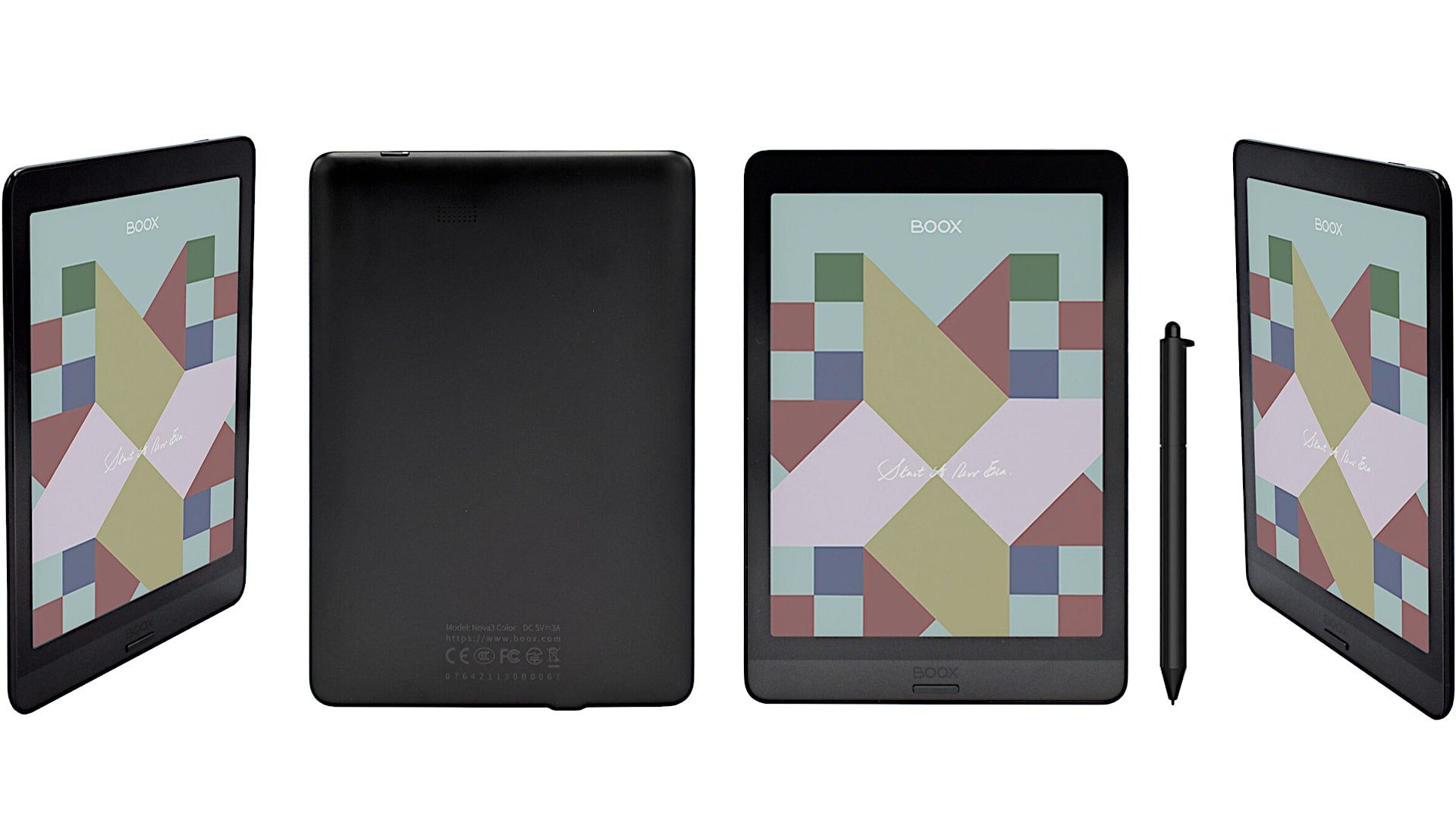
Obviously, it’s less sharp when looking at the color content. And, given the fact that looking at comic books as 7.8 inches is a nice portable size, but not that huge either.
It can be a little bit of eye strain to try to read the little bubble boxes with the dialogue in comics. You can do it, but it’s not super sharp. This is because it’s actually an everyday normal e-ink reader, 300 dp, but there is a color filter array that’s overlaid on top of it, and that reduces the functional or effective resolution.
In terms of the rest of the experience, well, all the build quality on this is like other books, which is actually mostly a good thing. The build quality on this is very nice.
It has a metal back, kind of a glossy black bezel on the front; you have one front button, which can be by default the back button, or you can reassign it to be the home button, and you’ve got a power button.
And like all books, it seems to like to actually, when it goes to sleep after a while,e to completely shut itself off,f so you have to wait a while for it to turn on; that’s just the way they do things.
ONYX Boox Nova 3 Color uses a Snapdragon 636 octa-core CPU with 3 GB of RAM, low-power DDR4x, and 32 GB of storage,e and that’s pretty powerful for an e-reader. Because it tries to do a little bit more, if you need more power for that drawing and note-taking, for example.
Onyx has its own store, too, so you can get basically public domain books, and they have some of their own apps pre-installed on there in case you don’t want to use Google Play,y but I’m sure you do. And there is their excellent e-reading app, which features fonts, formatting, control over your refresh, etc.
Speaking of that, hit refresh, press and hold in the middle of the page of your book at any time, and you can control the refresh. They have a couple of different methods; by default, it’s the aggressive refresh to try to deal with the ghosting issues around them.
ONYX Boox Nova 3 Color uses Android 10, which, believe it or not, for a K-reader, is seeing something relatively speaking is pretty cool. They have their own custom overlay; you’re gonna look at it and not immediately say ‘Well that’s an Android’ until you drag down from the top and you see the usual settings kind of stuff as you would with Android.
They have a couple of different tabs: one for ebooks, one for managing your storage, one for notes, and one for settings. And the settings are completely alien territory, nothing like normal Android. I kind of wish they would just go with normal Android because the user interface is pretty good there, and people understand how to use it. I always find what they’ve done with the books to be something you really have to learn.
The pen on this, like other books, is a Wacom EMR, which is a very good kind of digitizer and supports 4096 levels of pressure. It should, in theory, but tilting really didn’t seem to do much. But it’s fine given the size of the nib is very tiny with the included pen.
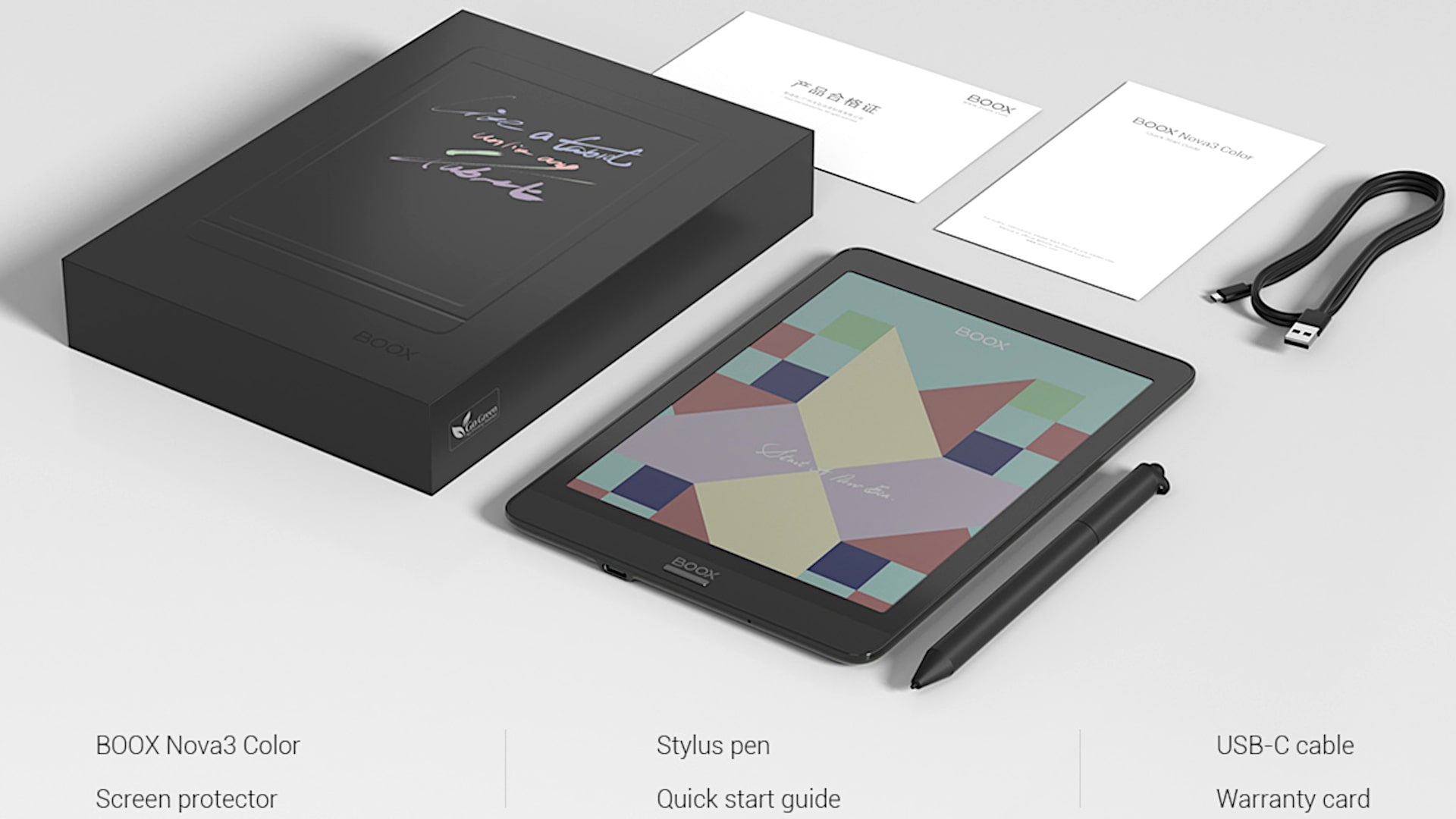
I tried some of my other Wacom EMR pens, and I wasn’t really noticing much tilt going on there. As a note-taking experience goes, and as palm rejection goes,s it’s top-notch stuff.
Battery life on this, well,, it’s e-ink, even if it does have a color layer on it, so you’re looking at talking about that in terms of a week or two weeks, depending on the content you’re looking at and how much time you spend readin,g rather than thiPadad level keeping track of the hours that you’re using that’s always good.
It charges over USB-C, and comes with a USB-C cable, but not a charger,r so you have to roll your own. You can also use the USB-C cable to transfer content to and from your computer if you wish to do so, so if you’re not getting stuff from the cloud.
So, that’s the ONYX Boox Nova 3 Color, one of the first color e-ink tablet/e-readers on the market. It’s exciting to see it, and some of you might be happy too with the kind of subcolors, but not too bright, actually, that make comics enjoyable and make the note-taking app’s color functions enjoyable.
I’m glad somebody’s working on this tech. Okay, this might not be perfect as e-ink color goes because we’re still not there, near perfect, but I’m glad that they are at least working on this and bringing this to market, so we can give it a try.
ONYX Boox Nova 3 Color
-
Performance - 96%96%
-
Price - 94%94%
-
Value - 95%95%