
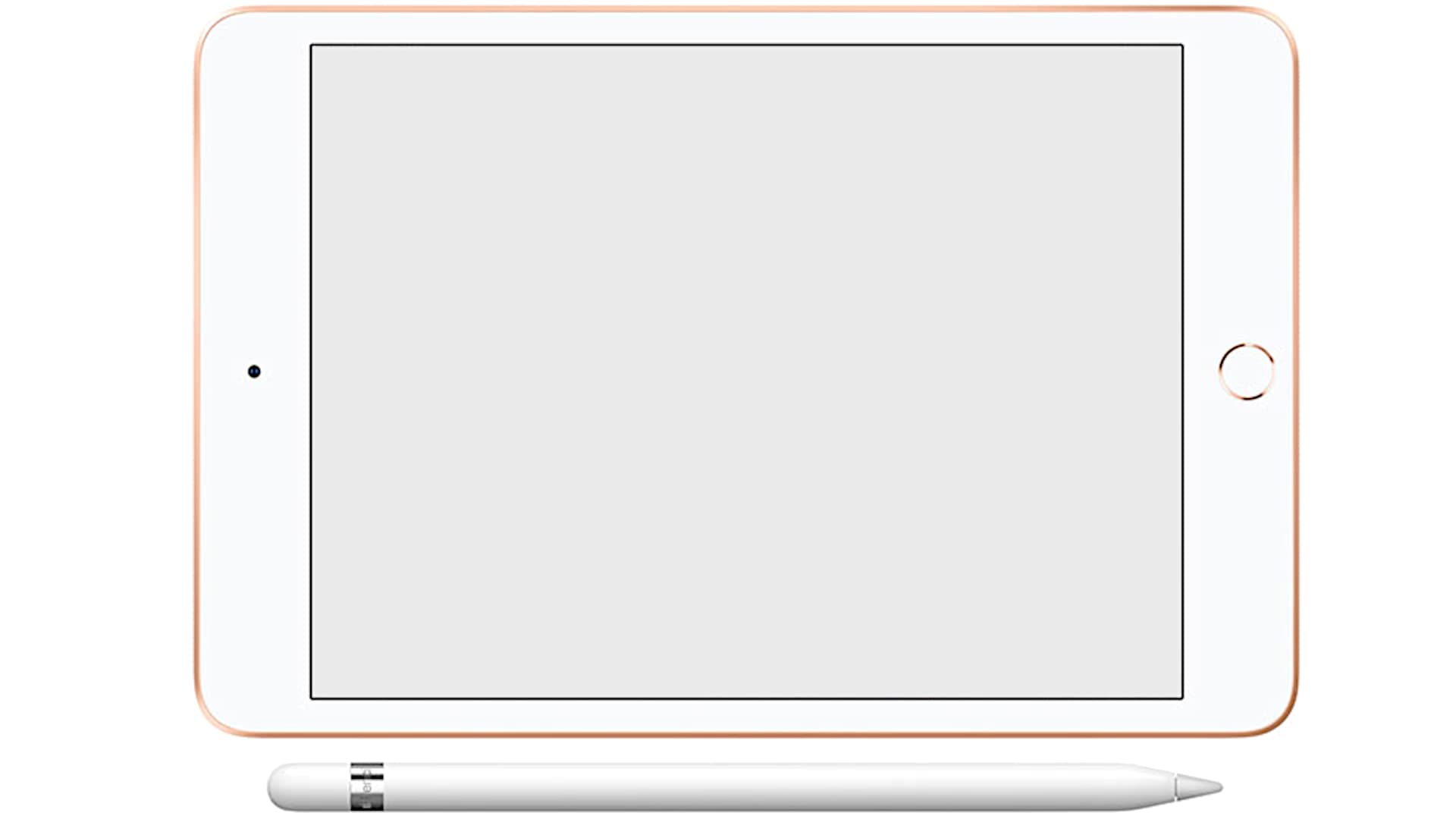
In this article, I give you my Apple iPad Mini 5 (2019) review with specs included. Finally, after three and a half years, Apple has released the replacement for the iPad Mini 4. I honestly didn’t think it would happen anymore, but that’s just how Apple operates sometimes; they take their time updating popular products.
Introducing the iPad Mini, now in its fifth generation. I’m genuinely excited about this release because it’s a tablet that does a lot without trying to include features you might not want or be willing to pay for. Ultimately, it will depend on your preferences.
The new iPad Mini looks almost identical to the iPad Mini 4, which might disappoint some users, while others may be perfectly fine with it. Personally, I’m okay with the design. What does this mean?
Well, it still features bezels, particularly at the top and bottom, which provide a grip for holding the tablet. Having used iPad Pros with minimal bezels, I can tell you they can be annoying. With a device this small, especially when playing driving games, you definitely want a way to hold onto it without accidental mishaps.
If the bezels do bother you, consider opting for the black-faced version. If you choose the Space Gray model, you’ll have the black face, which is much less noticeable compared to the white face that comes with the silver and gold options. So, in total, you have three color choices.
The pricing remains consistent with previous models, starting at $399 for the 64 GB Wi-Fi-only version. If you want cellular connectivity, the starting price is $529. The device includes both an eSIM and a nano-SIM card slot.
One aspect that frustrates me is the 64 GB of storage. While many of us can manage with that, I believe that a 128 GB option would have been ideal, but unfortunately, it’s not available. To get 256 GB of storage, you’d need to spend an extra $150, which seems like a lot for an iPad Mini, especially when you’re not necessarily looking for that much storage.
On the bright side, this iPad Mini is powered by the A12 Bionic CPU, which is the same processor found in the iPhone XS and XS Max. It’s not as powerful as the A12X chip in the Pro models, but honestly, for a Mini and considering that iOS runs very smoothly, this optimization works just fine for me.
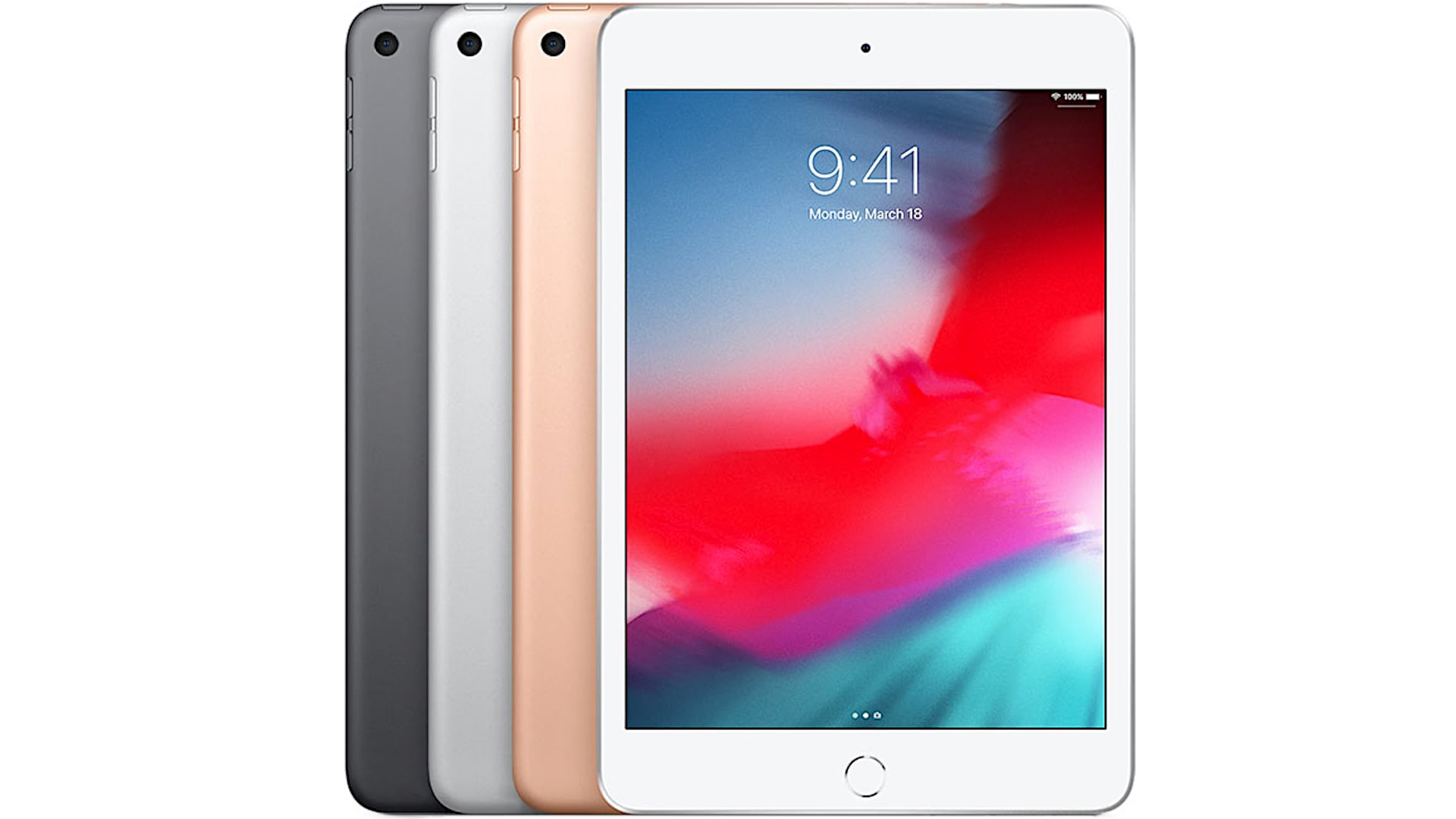
The device features Touch ID, but not Face ID. While I personally prefer Face ID and would have liked to have it here, I can manage with Touch ID. If you’ve been using a current-generation iPhone, you might find it striking when this device requires you to use the fingerprint sensor, particularly for website logins where Face ID usually handles it seamlessly.
This device has a laminated display, which is a significant upgrade compared to the even less expensive $329 basic iPad model that Apple introduced in 2018. The laminated display feels more premium. It has reduced reflectivity, rich colors, and excellent contrast, with a brightness of 500 nits. It’s a beautiful display that maintains the same resolution and 4:3 aspect ratio that Apple has been using for years. This aspect ratio is ideal for browsing webpages, checking emails, and reading ebooks. However, it’s not the best for video content, as most videos are in a widescreen format, resulting in black bars at the top and bottom when watching.
The display operates at a standard 60 Hz refresh rate, rather than the ProMotion’s 120 Hz. Given the size of the display, motion trails are harder to perceive, and personally, ProMotion has never been a major draw for me. I often use my iPad for drawing, and while I do notice the difference occasionally—such as strokes not following the pencil as quickly—it’s not a deal-breaker.
Speaking of drawing, this device supports the original Apple Pencil. I’ve spent countless hours each week sketching on my iPad, and I’m not particularly bothered that it doesn’t use the Apple Pencil 2. The original Pencil rests in the tablet for charging, but it lacks a flat side, making it somewhat slippery. However, you can buy a pencil wrap for about ten dollars to enhance grip.
In terms of drawing quality, the line precision, tilt sensitivity, and shading capabilities are all excellent. This device is like a perfect pocket sketchbook, ideal for artists carrying it around for field sketching or passing the time. A benefit of the smaller screen is that you’re less likely to drag your hand across the glass, and though palm rejection works well on iPads, occasional smearing can occur. Still, the experience is delightful for both art and note-taking, making it feel like a digital notepad that’s easy to carry.
The original Apple Pencil is still priced at $99, which is quite expensive. Alternatively, you can find the Logitech Crayon for $70, which is designed more for K-12 students than adults, and looks like a crayon. Though it’s $30 cheaper, I would recommend going with the regular Apple Pencil since the Logitech Crayon does not support pressure sensitivity, which is a key feature for achieving a natural feel when writing or drawing on the iPad. It does support tilt, though.
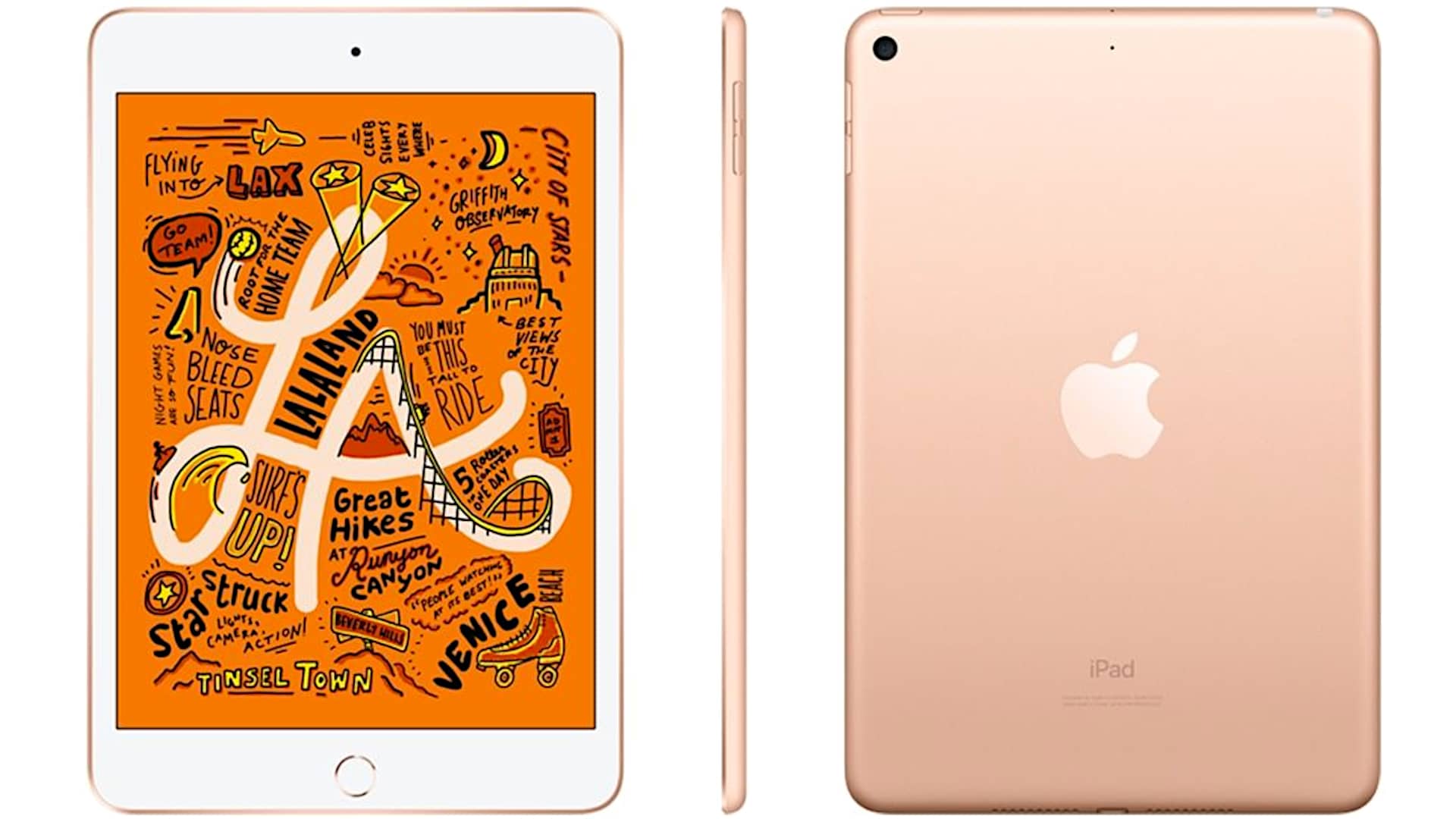
One of the delightful features of the retro design is the inclusion of a headphone jack. This model uses a Lightning connector rather than the USB-C found in the Pro models, which likely makes life easier for many users who have iPhones and other iPads, since the cables can easily be interchanged.
The device comes with the usual 12-watt USB charger and the cable included in the box. With 3 GB of RAM, this is sufficient in Apple’s ecosystem. While iPhones typically have 4 GB of RAM, the entry-level iPad only has 2 GB. I would always prefer more RAM in Apple products, even if they don’t seem to share that sentiment. Nevertheless, the RAM is adequate for doing the job; multitasking is fluid, and split-screen multitasking is possible, although with a 7.9-inch screen, its practicality may be limited.
All the multitasking gestures—such as swiping up to access the dock and swiping down to open controls—are here and function perfectly well, similar to the larger iPads. The Touch ID here is second-generation. I believe they no longer manufacture first-generation sensors. It works well by default, requiring a physical press of the home button, which is a real button rather than a haptic one. You can adjust the settings if you prefer to rest your finger on the button without pressing it.
Forget about the Smart Covers Apple sells; the tablet will turn on automatically thanks to the magnet whenever you open or close the cover. It includes Apple Pay, but there is no NFC. While it is small, it is not as small as an iPhone, so it’s unlikely that users would be placing the iPad Mini against a point-of-sale system.
Regarding the rear camera, the good news is that there is no camera bump, giving it a smooth profile that won’t scratch your table. However, the 8-megapixel camera with an f/2.4 aperture is not cutting-edge; it’s merely adequate. It records 1080p video—not 4K—and supports slow motion, panorama, and HDR. The camera is okay, but not great. There’s also a 7-megapixel front-facing camera for FaceTime or Skype.
In terms of connectivity, it has dual-band Wi-Fi with 802.11ac. The cellular model supports 4G LTE and is capable of gigabit speeds, which is an upgrade. GPS is only available on the cellular model, which is standard for Apple devices.
Does the iPad Mini still need to exist? Apple seems to think so, especially since there are plenty of users in the restaurant industry and other specialized markets who find them useful. Many people still appreciate having a tablet that is portable.
I own a 12.9-inch iPad Pro, which I love for drawing and a larger screen. However, I don’t take it with me much because it’s as cumbersome as carrying a laptop. The iPad Mini, on the other hand, is much easier to transport.
It feels like a return to the roots of tablets. It’s clearly designed as a media consumption device for reading, note-taking, and even using apps like GarageBand. It serves its core purpose without trying to be a laptop replacement with a keyboard attachment. While you can use an external Bluetooth keyboard, it’s too small to support practical keyboard cases since the keys would be extremely tiny.
For those looking to replace a laptop, this isn’t the device. However, if you need a portable tablet that performs well for general use and will receive OS upgrades for years, Apple does a great job in this regard. The ecosystem is robust, with the capability to run the latest games. The older iPad Mini 4 was not great for gaming, but this new model can handle games like Fortnite and various racing titles with ease.
There is definitely a place for this device. It’s essentially the ultimate gadget for entertainment for both kids and adults in today’s information-overloaded world. You can take it anywhere, even to the bathroom. For kids, it’s an excellent tool for entertainment and creativity, allowing them to play games and draw.
I’m pleased that Apple has kept this model in the mid-range while including a nice display and fast CPU without resorting to pro-level features. One thing I do wish it had is the quad speakers found on the Pro models. This model only has stereo speakers, and since both speakers are on the same side, there’s no stereo separation. While they sound good for a small tablet, the lack of separation is noticeable.
In summary, the iPad Mini 5 embodies the “Goldilocks principle” effectively, much like the newly announced iPad Air (3rd generation).
Apple iPad Mini 5 (2019)
-
Performance - 96%96%
-
Price - 95%95%
-
Value - 96%96%